
At Calaméo, we’re always looking for new ways to make publication customization easier, faster, and more accessible. Today, we’re excited to introduce a new feature designed to save you time while strengthening your brand identity: the Style Editor.
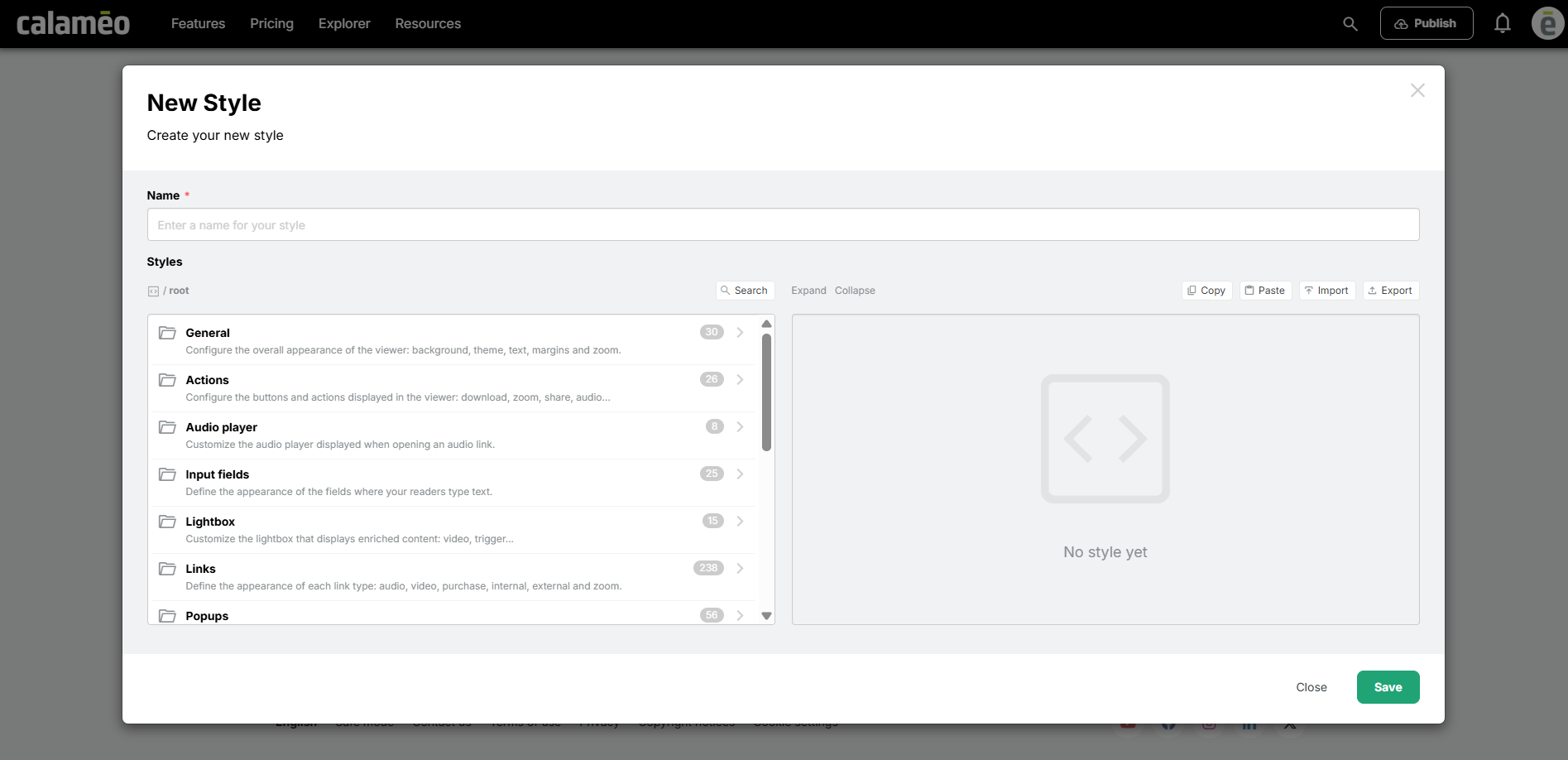
Customize your viewer in just a few clicks
Until now, customizing certain elements of the viewer often required technical adjustments or coding knowledge. With the new Style Editor, the process is now much more intuitive.
Using a dedicated interface, you can easily personalize the main elements of your viewer to create a reading experience that perfectly matches your brand identity.
Simpler, more powerful customization
The Style Editor allows you to quickly customize key interface elements, including:
- Viewer buttons
- Link appearance
- Tooltips
- Background colors
- Overall viewer display
- And much more!
In just a few clicks, you can adapt the reading experience to your visual identity without dealing with complex technical settings.
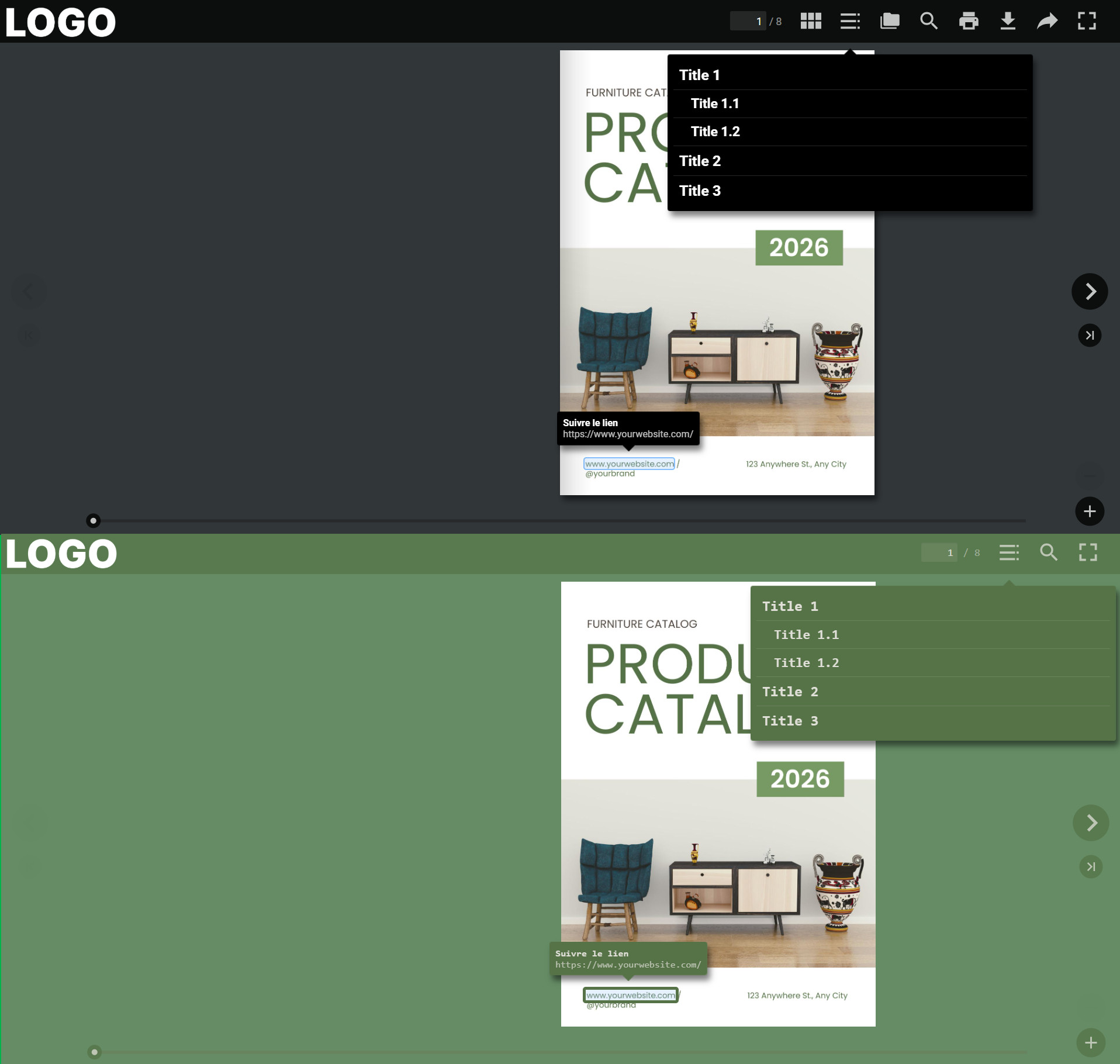
A viewing experience that reflects your brand
A publication is more than just its content — the reading environment also plays an important role in the overall user experience. With the Style Editor, you can align your viewer with your brand guidelines while highlighting the interactions that matter most.
The result: a more consistent, professional, and engaging experience for your readers.
Save time while staying in control
With this new feature, you stay fully in control of your publication’s appearance while simplifying your workflow. No more complicated technical solutions to create a customized viewer: the Style Editor brings all the essential settings together in one clear and user-friendly interface.
Whether you want to strengthen your branding, improve reading comfort, or create a more immersive experience, the Style Editor makes it easy to go further.
Try the Style Editor today
The Style Editor is now available for all PLATINUM users. Start exploring it today and create a viewer that truly reflects your brand identity.
 Read our Help Center section on the Style Editor to learn more.


 The result? A complete overview and more strategic content management—without the hassle.
 Need assistance? You’ll find a full step-by-step guide in our
  It’s a solution designed to give you more efficiency, clarity, and freedom.