
Want to customize the look of your viewer without writing a single line of code? With Calaméo’s Style Editor, you can now easily adapt your viewer to match your brand identity in just a few clicks.
In this article, we’re introducing our new video tutorial: “How to use the Style Editor”, a practical guide to help you quickly personalize your viewer and create a reading experience that perfectly reflects your brand.
Why use the Style Editor?
The appearance of your publication plays a key role in the reading experience. A viewer that aligns with your brand guidelines helps strengthen your visual identity while creating a more immersive and professional experience for your readers.
The Style Editor allows you to:
- Customize your viewer without coding
- Match the interface to your brand identity
- Save time with a simple and intuitive interface
In just a few clicks, you can modify the main elements of the viewer to create a fully customized experience.
Easier customization in the Calaméo Style Editor
The Style Editor allows you to easily manage the overall appearance of your viewer from a dedicated interface.
No more complex technical adjustments: all the essential settings are centralized in one place.
In just a few clicks, you can customize:
- Viewer buttons
- Link appearance
- Background colors
- And much more!
This feature is especially useful for:
- Interactive catalogs
- Digital magazines
- Brochures and presentations
- Reports and white papers
- Branded content
A video tutorial to guide you
To help you get started with this new feature, we’ve created a simple and easy-to-follow video tutorial.
In this video, you’ll discover:
- Where to find the Style Editor in your Calaméo PLATINUM account
- How to create a style sheet
- How to apply a style to your publications
- Examples of customization (how to: remove buttons, change colors and typography, remove shadows, customize links, and more!)
 You can also explore our Help Center articles to learn more about this feature and its possibilities.
Conclusion
The Style Editor is designed to save you time while giving you greater control over the appearance of your publications. With easier customization, you can create viewers that are more immersive, more professional, and perfectly aligned with your brand identity.
 Subscribe to our YouTube channel to discover more tutorials and tips about digital publishing.
 Start your 14-day free trial of Calaméo PLATINUM and explore all our advanced features to create even more powerful digital publications.



 Key benefit: Your readers stay focused on your content while accessing all the geographic information they need.
 Tip: Use Street View to guide your readers through tours, virtual visits, or presentations of iconic locations.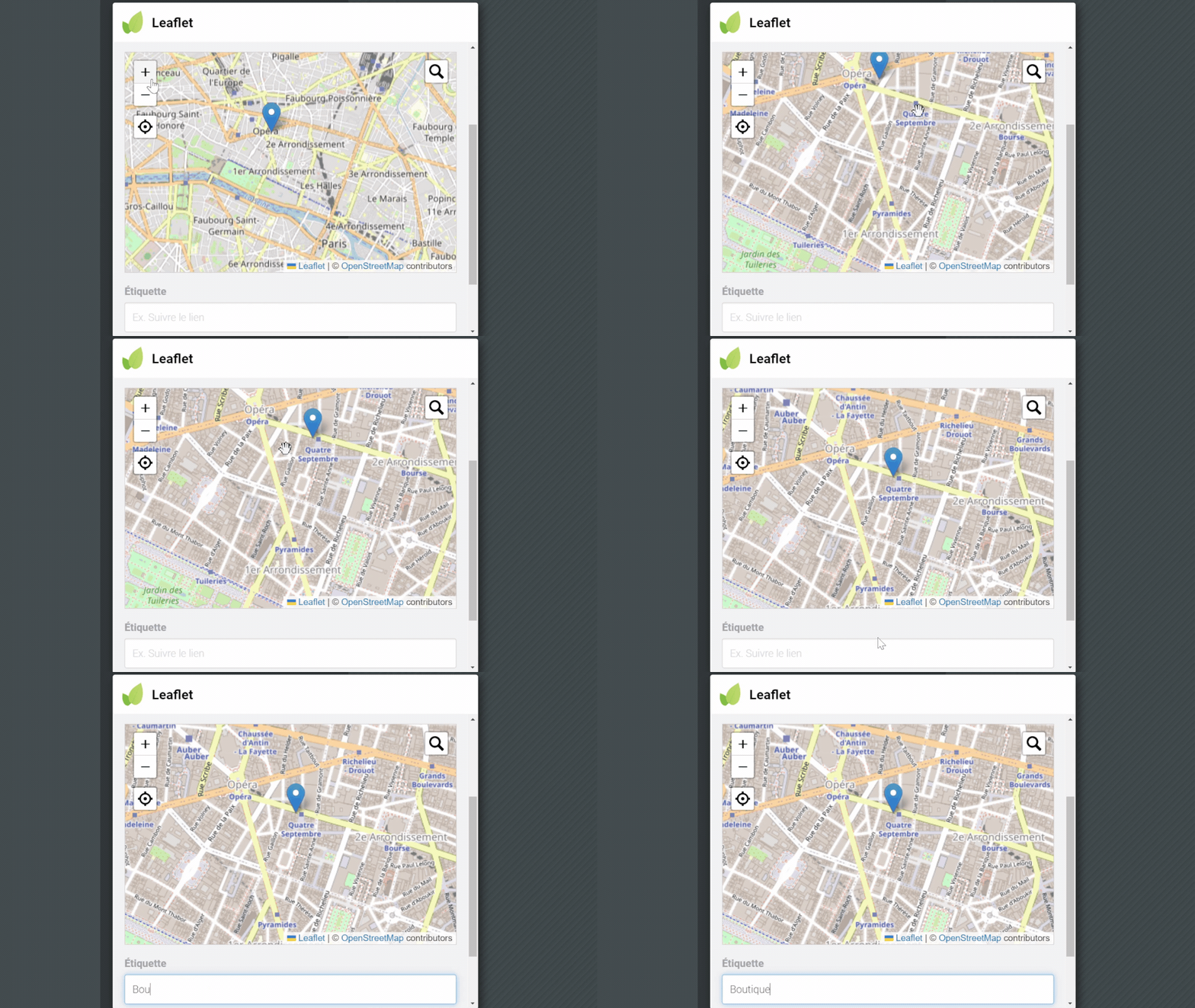
 Integrations are a feature reserved for our PLATINUM users.
 Start your