In a digital landscape where user experience and visual identity play a decisive role in the impact of online publications, customizing the Calaméo reader offers a strategic opportunity. It allows you to turn your PDFs into professional, brand-consistent content optimized for reader engagement.
Align the design with your visual identity
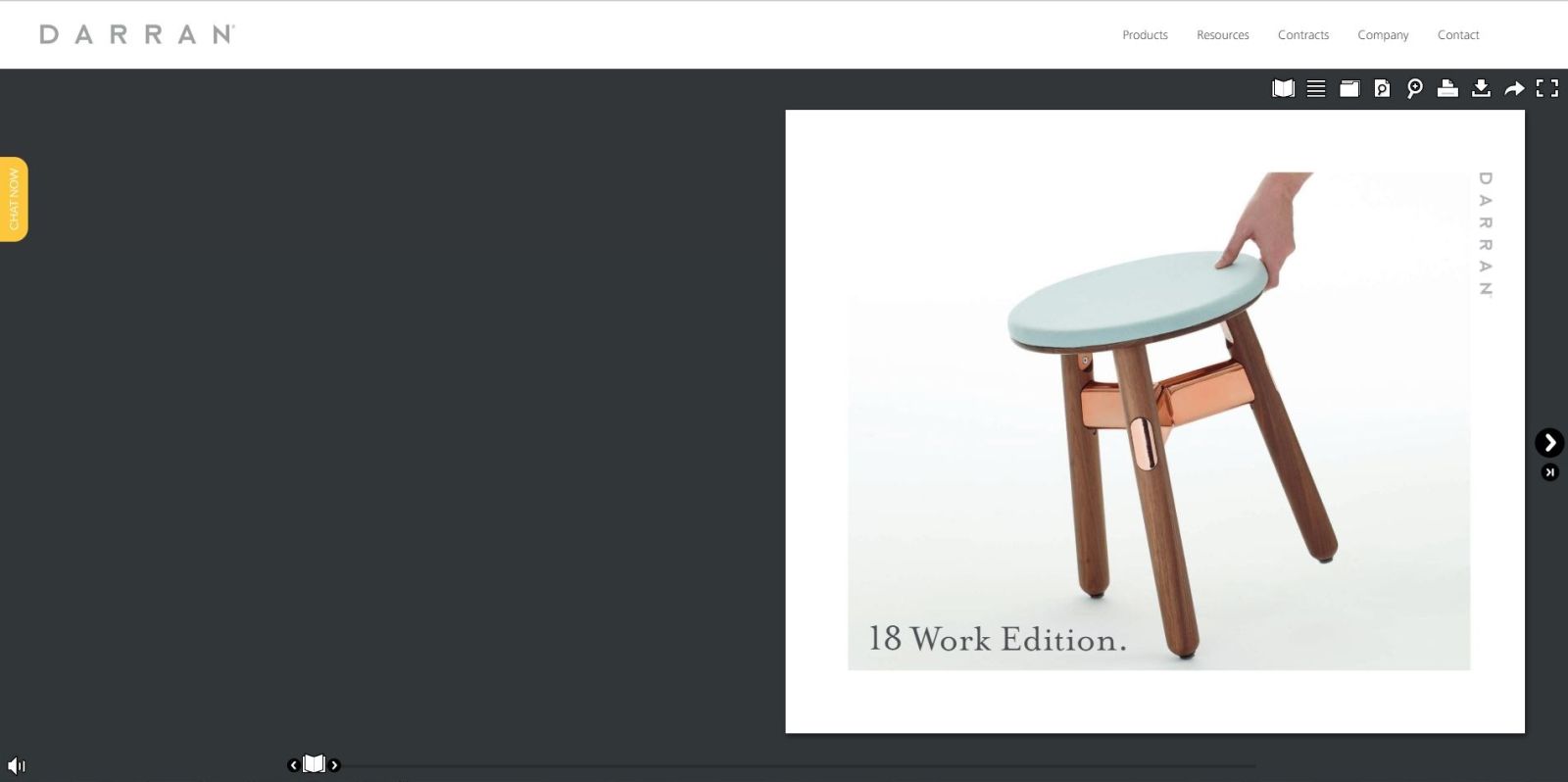
Customizing the reader lets you adjust every visual element: colors, fonts, buttons, icons, and backgrounds. Adding your logo strengthens brand visibility, while including a custom background image reinforces the visual universe of your company or publication.
 Key advantage: this visual coherence ensures a seamless experience for your readers, boosting recognition and enhancing the perceived quality of your content.
Optimize the reading experience
Beyond aesthetics, customization improves navigation and interaction with your publications. Menus, icons, fonts, and features can be tailored to offer an intuitive and engaging reading experience.
For PLATINUM accounts, you can create fully custom themes and host your own graphic assets using our ELEMENTS feature. This ensures a unique and professional visual identity for each publication.
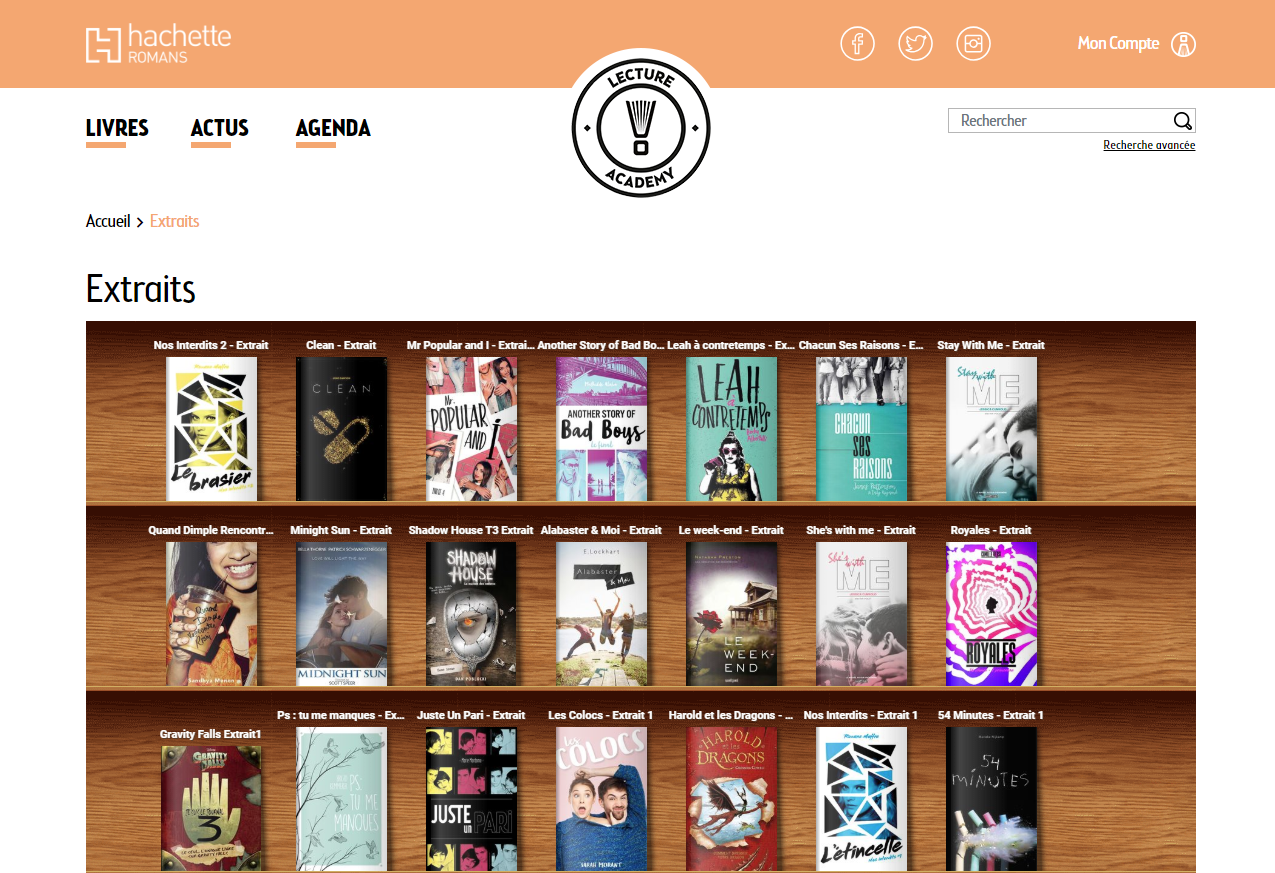
 Example: Above is the reader customized and optimized for Calaméo Magazine, with adapted buttons and various elements strategically placed around the document to keep the interface clean and easy to read.
Create consistency across your materials
Reader customization helps establish a strong visual link across all your publications. Your audience immediately recognizes content that aligns with your identity, increasing credibility and reinforcing the impact of your communication.
Tip: for organizations that regularly publish catalogs, reports or newsletters, this visual consistency becomes a major strategic asset.
Flexibility for creators and agencies
The CSML skin language gives you full control over how your publications are presented: menus, buttons, links, sharing windows, and other elements can all be configured to meet your needs. Hosting your own graphic resources ensures a result that perfectly matches your brand guidelines.
Practical examples
| Use case / Context | Possible customization |
|---|---|
| Brand magazine or catalog | Logo integration, custom colors and fonts, background image for an immersive experience |
| Annual report or corporate brochure | Clean, ergonomic navigation reflecting the organization’s professionalism |
| Creative portfolio / agency / freelancer | Fully custom reader with tailored graphic design and unique navigation |
| Multilingual / global publications | Interface adapted to each language |
| Regular publications (newsletters, bulletins, journals) | Unified appearance to ensure consistent visual identity across all issues |
Strategic benefits
- Stronger brand identity: a polished and distinctive design
- Enhanced user experience: smooth navigation and a pleasant reading flow for increased engagement
- Consistency across all materials: harmonized publications and communication assets
- Efficiency gains: custom skins can be reused across all future publications
Explore our practical guide
Browse our step-by-step guide and easily create your own Calaméo theme.
Conclusion
Customizing the Calaméo reader is a strategic lever for enhancing your digital publications. It helps strengthen your brand image, optimize the reading experience, and ensure visual consistency across all your materials.
To maximize the impact of your content, start exploring reader customization today and offer your audience a unique, professional, and memorable reading experience.
 Try all our features today by starting your free 14-day trial of Calaméo PLATINUM.